Fix Pixel 8 Fingerprint Scanner After Screen Replacement (Ubuntu)

After replacing the screen on a Google Pixel 8, the under-display fingerprint sensor needs to be recalibrated. Google provides an official tool at pixelrepair.withgoogle.com/udfps, but it only works on Windows and macOS — and on newer firmware versions it may report "firmware too new" and refuse to run.
This guide documents a working method using the command line on Linux, bypassing the browser tool entirely.
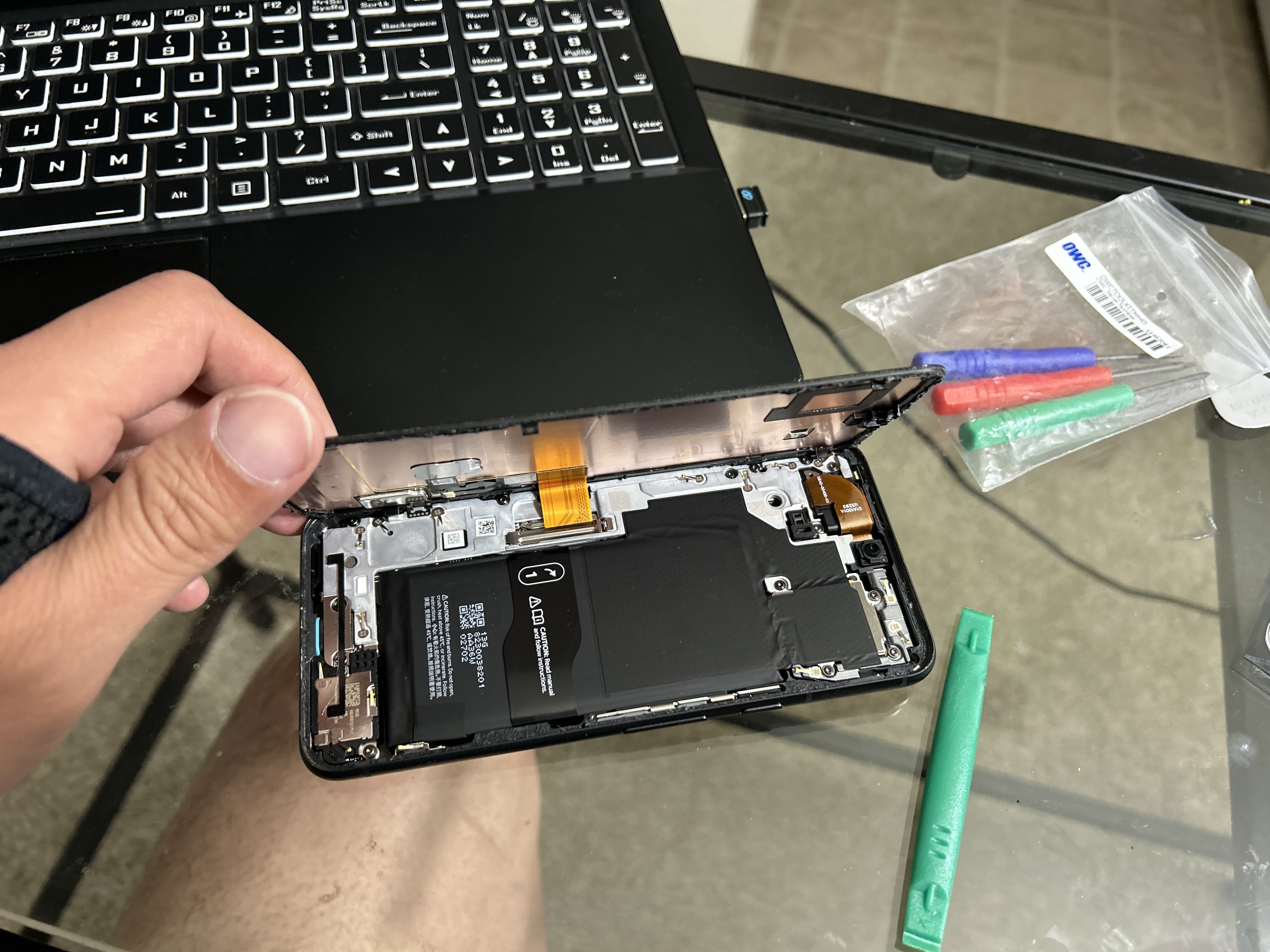
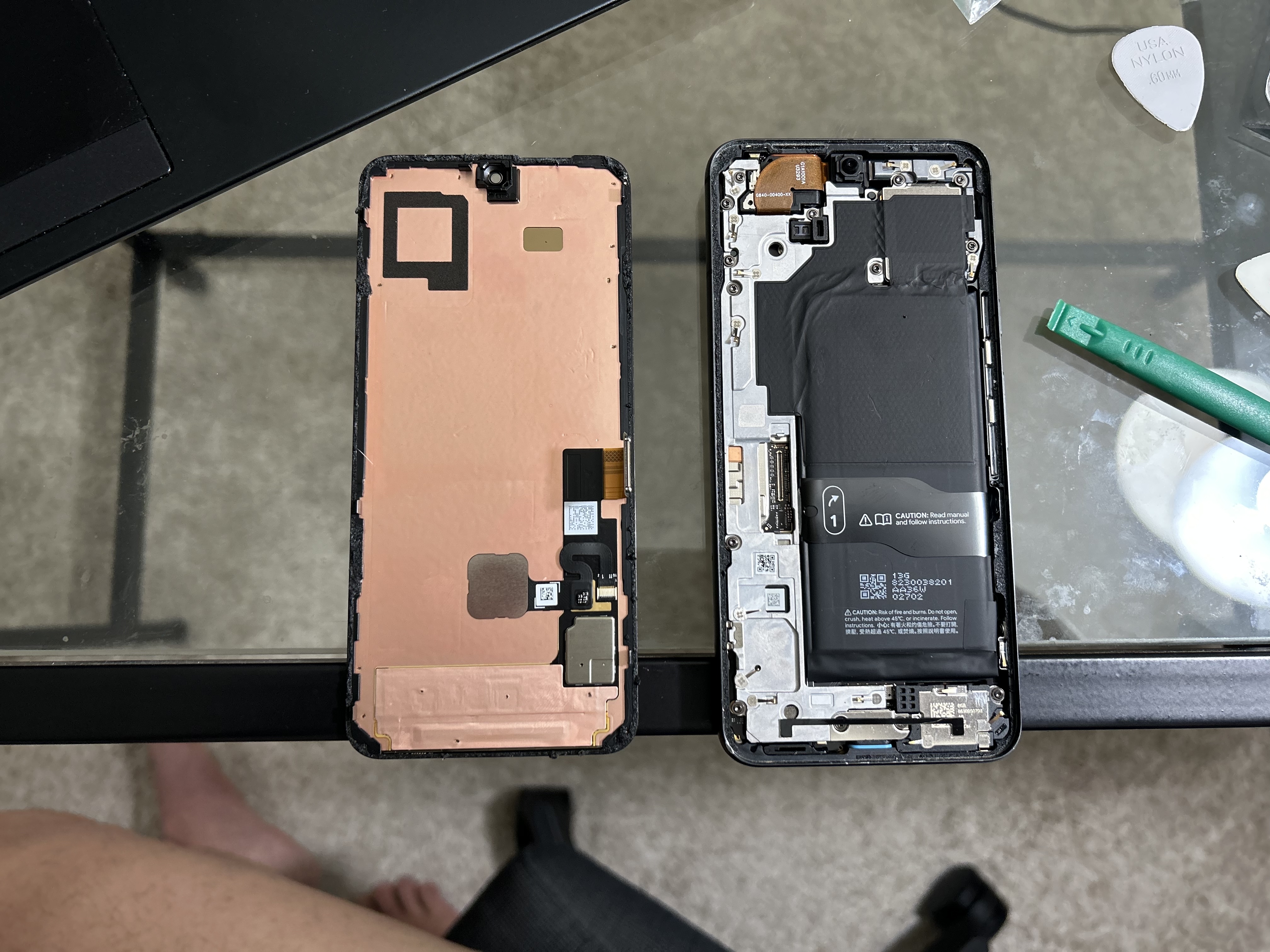
Here's what the repair looked like — the screen assembly separated from the frame, and the new screen ready to boot:
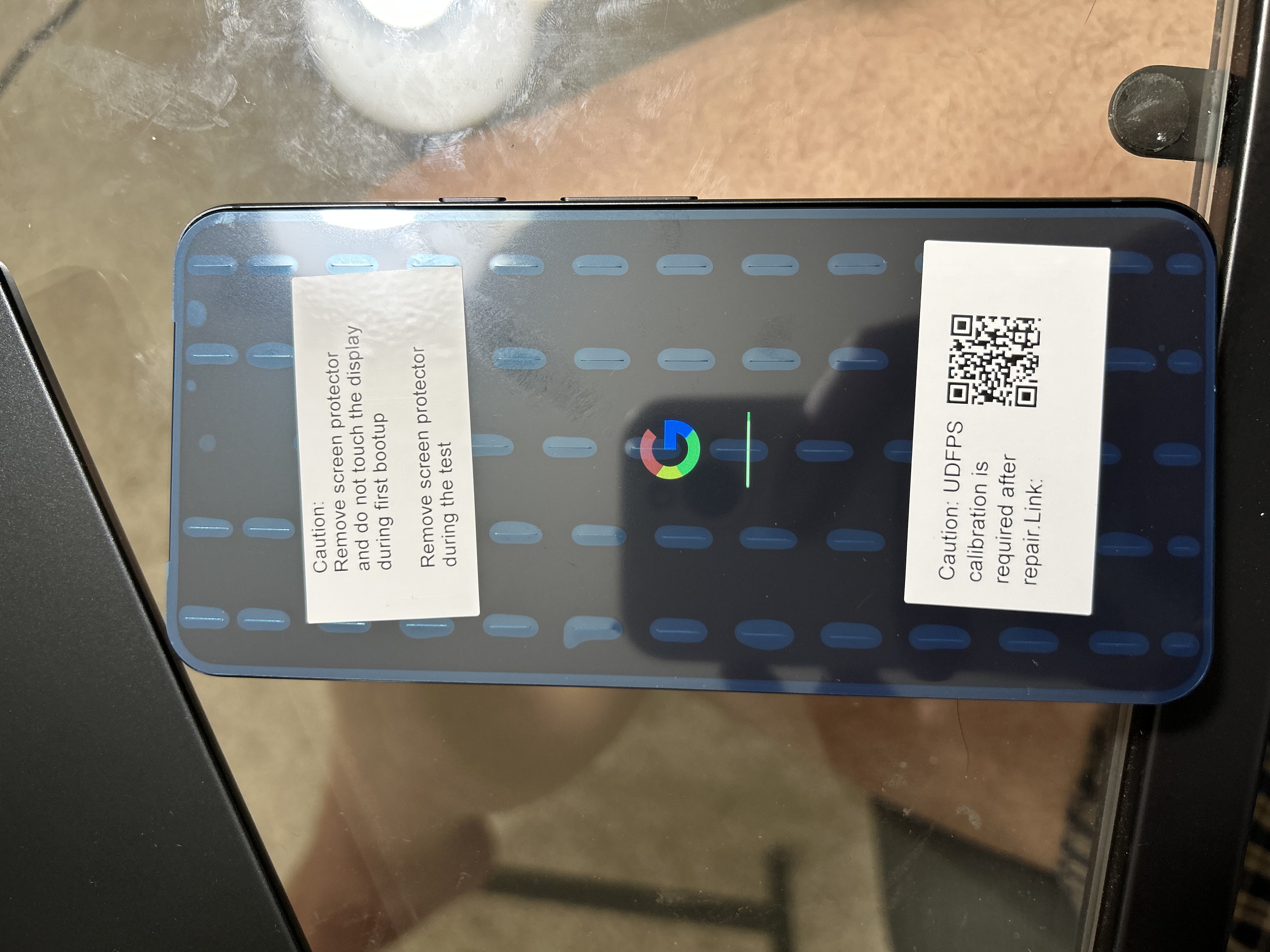
After reassembly, the new screen boots up but the fingerprint sensor needs recalibration:
Requirements
- Linux computer (tested on Ubuntu 24.04)
- USB-C cable — use the best quality cable you have (this matters)
fastbootinstalled on your computer- Google Pixel 8 with a newly replaced screen
Steps
1. Enable USB Debugging on the phone
Go to Settings → About phone and tap Build number 7 times to enable Developer Options. Then go to Settings → System → Developer Options and enable USB Debugging.
2. Install fastboot
sudo apt install fastboot -y
3. Boot into Fastboot Mode
Power off the phone, then hold Power + Volume Down until you see the Fastboot screen. Do not select Rescue Mode or any other option — stay on the main Fastboot screen.
4. Connect and verify
Plug the phone into your computer and run:
fastboot devices
You should see your device serial number listed. If nothing appears, try a different USB port or cable.
5. Get the calibration file URL
fastboot oem udfps get-cal-url
This returns a URL unique to your device, for example:
(bootloader) https://storage.googleapis.com/hardware-mfg-data-ext-sacal/xxxxxx.signed.cal
6. Download the calibration file
wget <URL from previous step>
7. Upload and apply the calibration
fastboot stage <filename>.signed.cal
fastboot oem udfps update-cal
You should see:
(bootloader) signature validation:passed
OKAY
8. Reboot
fastboot reboot
After the phone boots, go to Settings → Security → Fingerprint Unlock and re-register your fingerprints.
Why this works
Google's browser-based repair tool uses WebUSB, which has permission restrictions on Linux for Fastboot devices. The fastboot oem udfps commands communicate directly with the bootloader, bypassing the browser entirely. The calibration file is device-specific and cryptographically signed by Google, which is why get-cal-url is needed to fetch the correct one for your unit.
Troubleshooting
fastboot devices returns nothing
Use a USB 2.0 port — this guide was tested on USB 2.0 and confirmed working. USB 3.0 was not tested. Also try a higher quality cable if the device isn't detected.
signature validation: failed
The calibration file doesn't match your device. Make sure you used the URL returned by get-cal-url for your specific phone — don't reuse a file from another device.
Fingerprint still not working after reboot Reboot one more time manually after setting up your fingerprint.